Drone Firmware Updates: Why You Should Update Before You Fly, Not at the Field
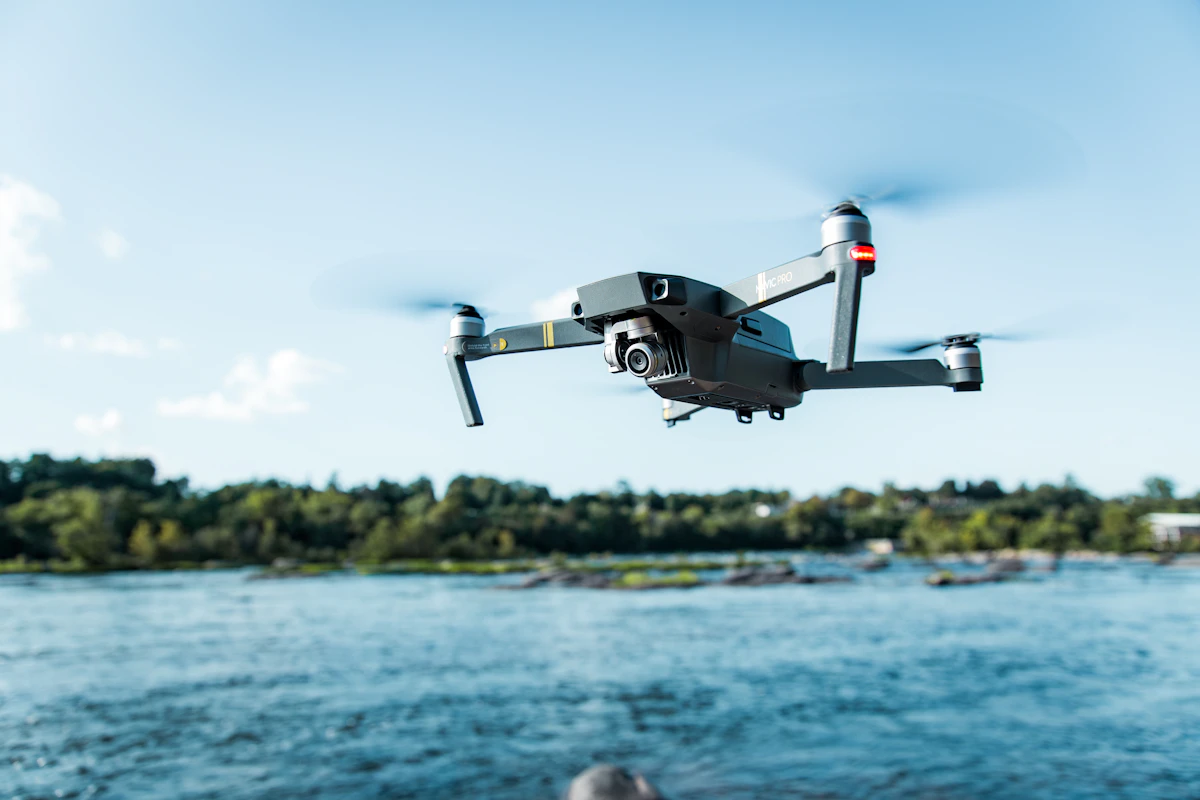
- Primary Signal: Drone Firmware Updates: Why You Should Update Before You Fly, Not at the Field
- Overview: Updating firmware at the field wastes flying time and risks a failed update with no Wi-Fi to fix it. Do it at home, test it, and arrive ready to fly....
- Verification: Analyzed and compiled by FreeSky Aerial editorial monitoring desk.
Every drone pilot has seen it: someone arrives at a perfect flying location, powers on, and is greeted by a mandatory firmware update. What follows is twenty minutes of downloading over a weak phone signal, a drone that refuses to fly until the update completes, and a golden hour quietly disappearing. It is entirely avoidable, and the fix is a habit, not a purchase.
Firmware updates matter. They fix flight stability issues, improve safety features, and sometimes add new flight modes or camera options. Skipping them entirely is not the answer. But when and where you update changes everything, because an update is a small software operation that deserves a stable connection and time to verify.
Field updates fail for predictable reasons. Mobile data at remote flying spots is often slow or unreliable, and a large update over a weak connection can stall or corrupt, leaving the drone in an uncertain state. Batteries also matter: an update interrupted by a dying battery can cause serious problems, and field batteries are often partly used already.
There is also the time cost. A flying session has a window: light, weather, and your own schedule. Spending the first half of it watching a progress bar is frustrating, and rushing the update to get flying again leads to skipped checks. Updates done under time pressure are updates done badly.
Check for updates the evening before a planned flight, while you are on home Wi-Fi with full batteries and time to spare. Install the update, restart everything, and run a short test hover in a safe place, such as a garden or an open area, to confirm the drone behaves normally. This test flight is the step most pilots skip, and it is the one that catches problems while they are still easy to fix.
Read the update notes briefly, because they sometimes change flight behaviour, safety limits, or controller settings. A pilot who knows that a new version changed the return-to-home behaviour is prepared. A pilot who discovers it mid-flight is not. Five minutes of reading prevents a nasty surprise.
Not every update needs installing immediately. If you have an important shoot tomorrow and the update is minor, waiting until after the shoot is sensible, provided the update is not a safety fix. Professional pilots often wait a few days after a major release to see whether other users report problems, then update before the next job.
The rule is simple: update deliberately, at home, with time to test, and never at the field under pressure. Your drone will be safer, your flying sessions will start on time, and you will never again watch a perfect sunset through a progress bar.
Before any firmware update, back up your flight settings if your app allows it, and take screenshots of your custom settings as a fallback. Updates occasionally reset preferences such as return-to-home height, maximum altitude, or control sensitivity, and restoring them from memory is unreliable. A minute of screenshots saves a flight of surprises.
After updating, fly a short test in a familiar, open location and confirm that controls, camera, and safety features behave as expected before attempting anything ambitious. Treat the first flight after an update as a check flight, not a mission flight, and you will catch any changed behaviour while the stakes are low and the landing zone is empty.
📖 Continue Reading the Full Story
Continue reading this article on FreeSky Aerial.
⚡ Access Full Content NowMore from FreeSky Aerial



 ☁️ FreeSky Cloud
Should Your SaaS Company Use an AI Receptionist in 2026?
Prospects call when your team is heads-down building. Should your SaaS company let an AI receptionist answer —...
⚡ CyberTech 568
Step-by-Step Tutorial: Playback Speed Calculator — Video Time at Any Speed (Day 2 Guide)
How to accurately use the Playback Speed Calculator — Video Time at Any Speed on CyberTech 568. Discover essen...
🤖 WinBar AI
Step-by-Step Tutorial: YouTube Thumbnail Downloader & Grabber — 4K (Day 2 Guide)
How to accurately use the YouTube Thumbnail Downloader & Grabber — 4K on WinBar AI. Discover essential practic...
 🔭 FreeSky Cosmos
What Planets Are Visible Tonight in November 2026? A Simple Evening and Morning Guide
Saturn rules the evening sky while Venus, Jupiter and Mars greet early risers in November 2026 — here is exact...