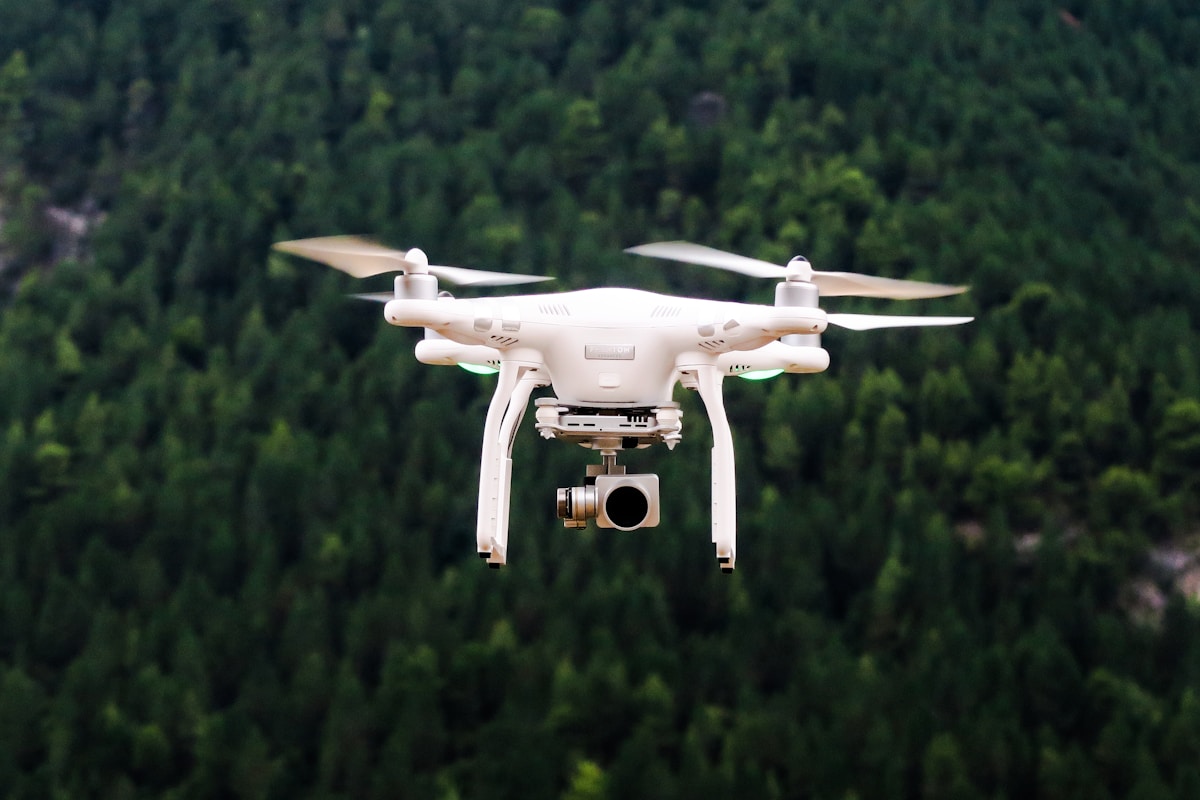
Drone Camera Settings for Cinematic Video: Get the Film Look Without Fancy Gear
- Primary Signal: Drone Camera Settings for Cinematic Video: Get the Film Look Without Fancy Gear
- Overview: Cinematic drone footage is about settings, not price. Master frame rate, shutter speed, and color profiles to turn ordinary flights into film-quality video....
- Verification: Analyzed and compiled by FreeSky Aerial editorial monitoring desk.
Watch a professional drone video and then your own footage, and the difference is rarely the drone. It is the settings. Two identical drones can produce wildly different video, because cinematic footage comes from a handful of choices made before takeoff: frame rate, shutter speed, and color.
Start with frame rate. For a cinematic look, shoot at twenty-four frames per second, the standard used in film for a century. Higher frame rates like sixty look sharper and more realistic, which is great for sports, but they lose the gentle motion blur our eyes associate with movies. Choose twenty-four when you want the film feel.
Shutter speed is the setting most beginners ignore, and it matters most. The rule is simple: set your shutter speed to double your frame rate. At twenty-four frames per second, that means one fiftieth of a second. This creates natural motion blur in moving subjects, so footage looks smooth instead of jittery and harsh.
On a bright day, that shutter speed lets in too much light, and this is where filters or manual exposure come in. If your drone has a variable aperture, close it down. Otherwise, a neutral density filter acts like sunglasses for the camera, cutting light so you can keep the cinematic shutter speed outdoors. Without it, bright footage forces a fast shutter and the film look disappears.
Color profiles are the next step. Shooting in a flat or log profile records more detail in shadows and highlights, giving you more room to grade the footage later. The raw video looks washed out straight from the drone, which surprises beginners, but a simple color correction pass brings back rich contrast and color that a standard profile would have lost.
Movement matters as much as settings. Cinematic drone shots are slow, steady, and deliberate: a gentle push forward, a slow orbit, a gradual reveal over a landscape. Fast, jerky stick movements ruin even perfectly exposed footage. Practice flying each shot twice, once slowly and once even slower, and use the slower take.
Finally, plan your shots before the battery runs low. Scout the location on a map, decide three or four shots, and fly them in order. Random flying produces random clips that are hard to edit together. Planned shots with consistent settings cut into a sequence that feels like a film, not a highlight reel.
Good settings only get you halfway. The cinematic look is finished in editing, where you apply a color grade that matches the flat profile you shot. Start with a simple correction: restore contrast, adjust white balance, and add a touch of saturation. Then, if you shot in a log profile, apply a conversion look-up table designed for your drone model before making creative adjustments. This two-step process is what turns washed-out raw footage into rich, filmic color.
Keep your edits consistent across a project. Use the same grade for every clip from the same location, so cuts between shots feel seamless rather than jarring. Save your grade as a preset and reuse it. Consistency is the quiet difference between footage that looks professional and footage that looks like a collection of unrelated clips, and it costs nothing but a few minutes of discipline.
Cinematic footage is a system, not a purchase. Set the frame rate, lock the shutter, manage the light, grade the color, and fly slowly. Do that consistently and your footage will look like it came from a drone three times the price.
📖 Continue Reading the Full Story
Continue reading this article on FreeSky Aerial.
⚡ Access Full Content NowMore from FreeSky Aerial



 ☁️ FreeSky Cloud
Best Free Tier Cloud Hosting 2026: Host Projects Without Paying
Compare the best free tier cloud hosting options for 2026, including what is genuinely free, what limits apply...
 🔭 FreeSky Cosmos
How to Find Planets in the Night Sky: A Beginner's Guide Without a Telescope
You can spot Venus, Jupiter, Mars, and Saturn with the naked eye. The trick is knowing they shine steadily, mo...
 🌍 FreeSky Remote
Why Your Remote Job Applications Get Rejected Without an Interview
Qualified candidates get silently rejected from remote jobs every day. These are the real reasons — from ATS f...
 🔥 ViralBuzz 168
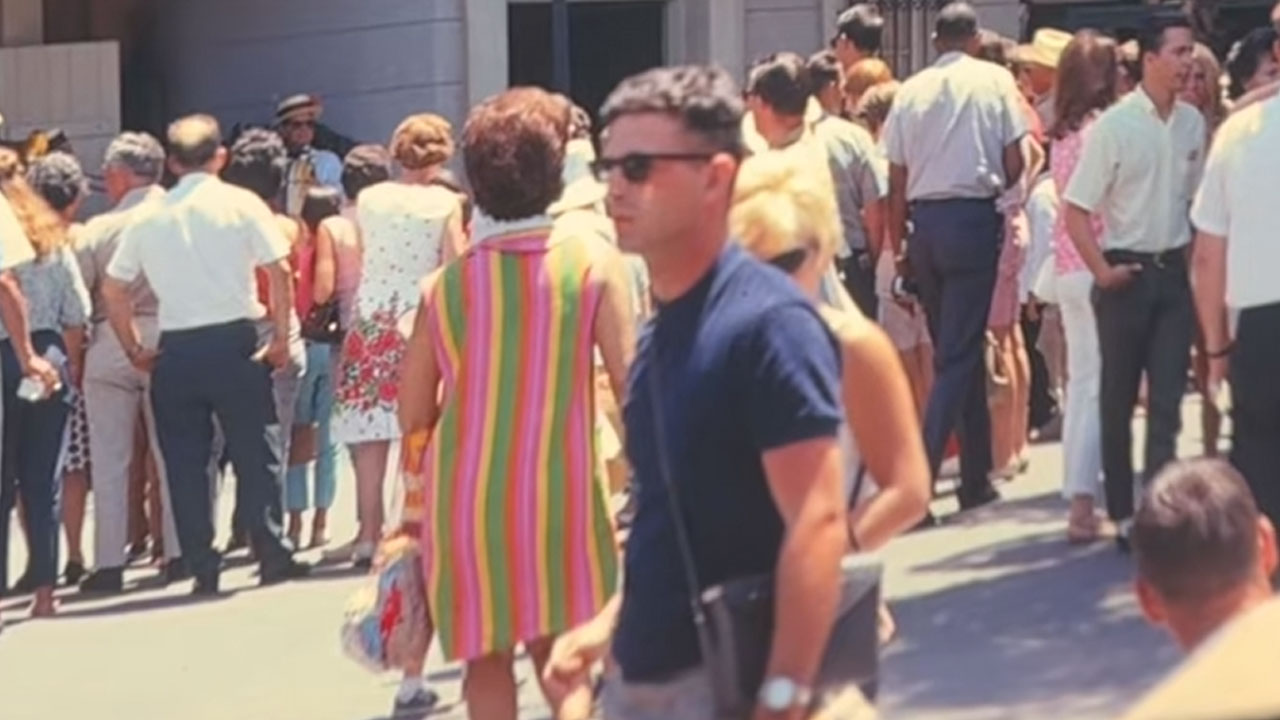
Женщина заметила на фотографии Диснейленда 1960-х годов мужчину, который выглядит так, будто только что пришел из 2026 года
Мода имеет свойство возвращаться: старые тенденции находят свое место в современных гардеробах. Одна женщина з...