Best Drone Camera Settings for 4K Sunset Footage: A Beginner's Field Guide
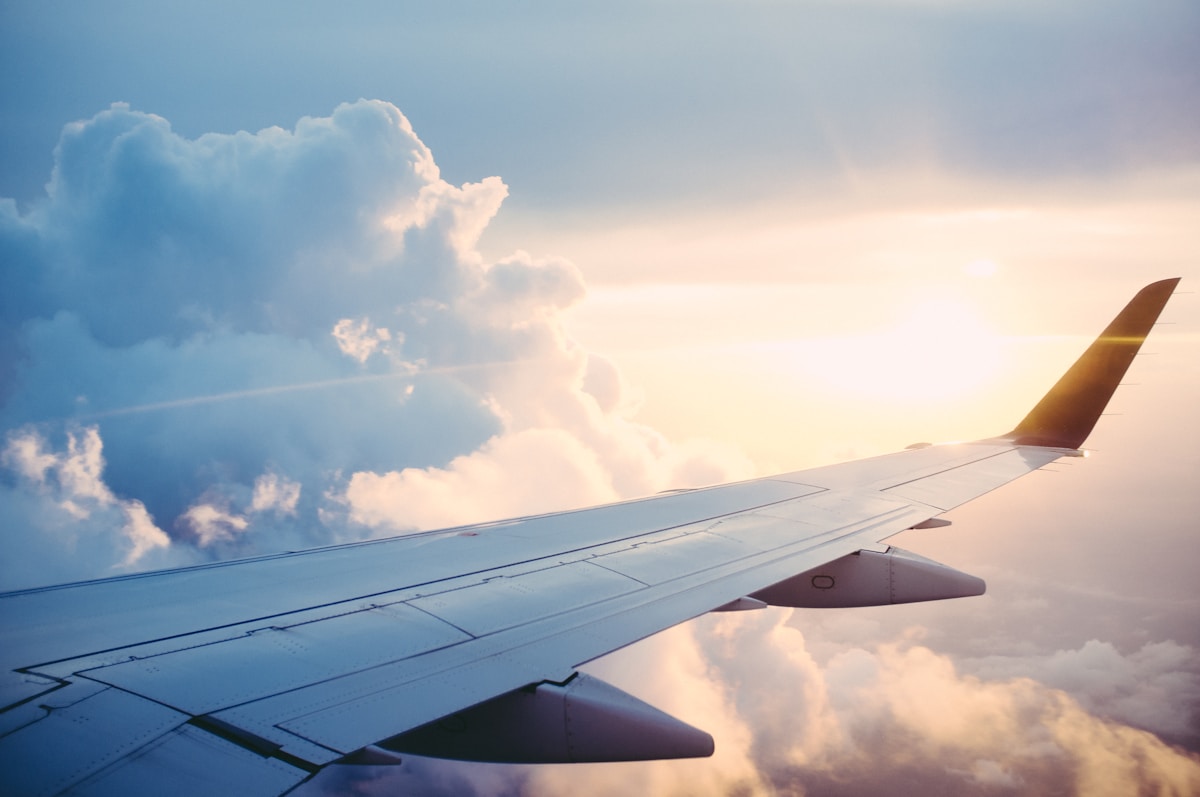
- Primary Signal: Best Drone Camera Settings for 4K Sunset Footage: A Beginner's Field Guide
- Overview: Sunset is the hardest light for a drone camera: bright sky, dark ground, and fast-changing colour. These settings keep your 4K footage smooth and usable....
- Verification: Analyzed and compiled by FreeSky Aerial editorial monitoring desk.
Sunset footage is what sells many people on buying a drone, but it is also the trickiest light to shoot well. The sky is bright, the ground is dark, and the colour changes minute by minute. With a few deliberate settings, you can move from blown-out skies and jerky motion to smooth, cinematic clips that actually grade well afterwards.
Auto exposure will chase the changing light and produce flickering brightness as the drone moves. Switch to manual exposure and set it for the sky, accepting that the ground will go a little dark: you can lift shadows later, but you cannot recover a completely blown-out sun or sky. Lock white balance manually as well, around 5500 to 6500 Kelvin for golden hour, so the colour does not drift between shots. Shoot in your drone's flat or log colour profile if you plan to edit, or a standard profile if you want footage that looks good straight out of the camera.
For natural-looking motion, aim for a shutter speed roughly double your frame rate: 1/50th of a second at 24 frames per second, or 1/60th at 30 frames per second. At sunset that shutter speed lets in a lot of light, so you will usually need neutral density filters to avoid overexposure. Start with an ND16 or ND32 filter and adjust until the exposure looks right at your chosen shutter speed. Keep ISO as low as possible, ideally 100, and raise it only if the scene gets too dark as the sun drops.
Sunset rewards slow, deliberate movement. Fly gentle forward or sideways moves rather than fast orbits, and let the light do the work. A slow reveal, rising over a ridge or treeline as the sun sits low, usually beats a complicated flight path. Keep the sun out of the direct centre of the frame unless you want a deliberate flare, and watch for your own shadow and the drone's shadow creeping into low shots. Shoot more clips than you think you need: the best light lasts only minutes, and you cannot re-fly the same sunset.
Before takeoff, charge batteries fully and warm them if it is cool, format the memory card, and set 4K resolution at your chosen frame rate. Fit the right ND filter, lock exposure and white balance, and do a short test clip to check the sky is not clipped. Then fly calmly, land with reserve battery, and back up the footage before you leave the location. With those habits, sunset stops being a gamble and becomes the most reliable time to capture footage worth keeping.
Sunset footage often looks flat straight out of the camera if you shot in a flat or log profile, and that is intentional: the profile preserves detail in bright skies and dark ground so you have more to work with in editing. A simple grade usually suffices: lift the shadows slightly, pull back any clipped highlights, add a touch of warmth, and apply gentle contrast. Avoid pushing saturation too far, since sunset colours are already strong and oversaturation quickly looks artificial, especially on skin tones or buildings in the frame.
Stabilisation matters as much as colour. Most modern drones stabilise well, but a slow, steady flight path grades better than a fast one that needs heavy correction. If your editing software offers it, a light touch of stabilisation can smooth small wobbles without the warping that aggressive correction causes. Export in 4K at the frame rate you shot, and keep a backup of the original clips: sunset light cannot be recreated, and your future self will thank you for the untouched originals.
📖 Continue Reading the Full Story
Continue reading this article on FreeSky Aerial.
⚡ Access Full Content NowMore from FreeSky Aerial



 ⚡ CyberTech 568
How to Write Better Prompts for AI Image Generation: A Beginner's Guide
Good AI images start with specific prompts. Learn to describe subject, style, lighting and composition so the ...
 ☁️ FreeSky Cloud
Best Windows 11 Settings for Gaming PC in 2026 (Reddit-Approved Tweaks)
Game Mode, GPU scheduling, power plans, and clean driver installs — the Windows 11 settings experienced PC gam...
 🔭 FreeSky Cosmos
How to Find Planets in the Night Sky: A Beginner's Guide Without a Telescope
You can spot Venus, Jupiter, Mars, and Saturn with the naked eye. The trick is knowing they shine steadily, mo...
 🌍 FreeSky Remote
The Best Freelance Rate Calculator Methods for Beginners (2026)
New freelancers almost always undercharge. Here are the rate-setting methods that actually work for beginners ...